Computers are the backbone of modern education, business, and entertainment. Yet, just like any machine, they sometimes break down. For students at Bagz Institute studying Computer Repair & Maintenance, understanding common problems and solutions is the first step to becoming skilled technicians.
Here are the 7 most common computer problems and how to fix them:
1. Slow Startup or Performance
Cause: Too many startup programs, low memory, or malware.
Fix: Disable unnecessary startup apps, upgrade RAM, and run antivirus scans.
2. Overheating
Cause: Dust buildup or failing cooling fans.
Fix: Clean the system, reapply thermal paste, and ensure good airflow.
3. Virus and Malware Attacks
Cause: Unsafe downloads, infected flash drives.
Fix: Install antivirus software, keep systems updated, and avoid suspicious links.
4. Software Crashes
Cause: Corrupt files, incompatible drivers.
Fix: Reinstall software, update drivers, and check for OS updates.
5. Internet Connectivity Issues
Cause: Router problems, outdated network drivers.
Fix: Restart router, update drivers, and reset network settings.
6. Blue Screen of Death (BSOD)
Cause: Hardware failure or OS corruption.
Fix: Run diagnostics, replace faulty parts, reinstall Windows.
7. Hardware Failures (Hard Drive, Keyboard, etc.)
Cause: Wear and tear, electrical surges.
Fix: Replace failing components and back up data regularly.
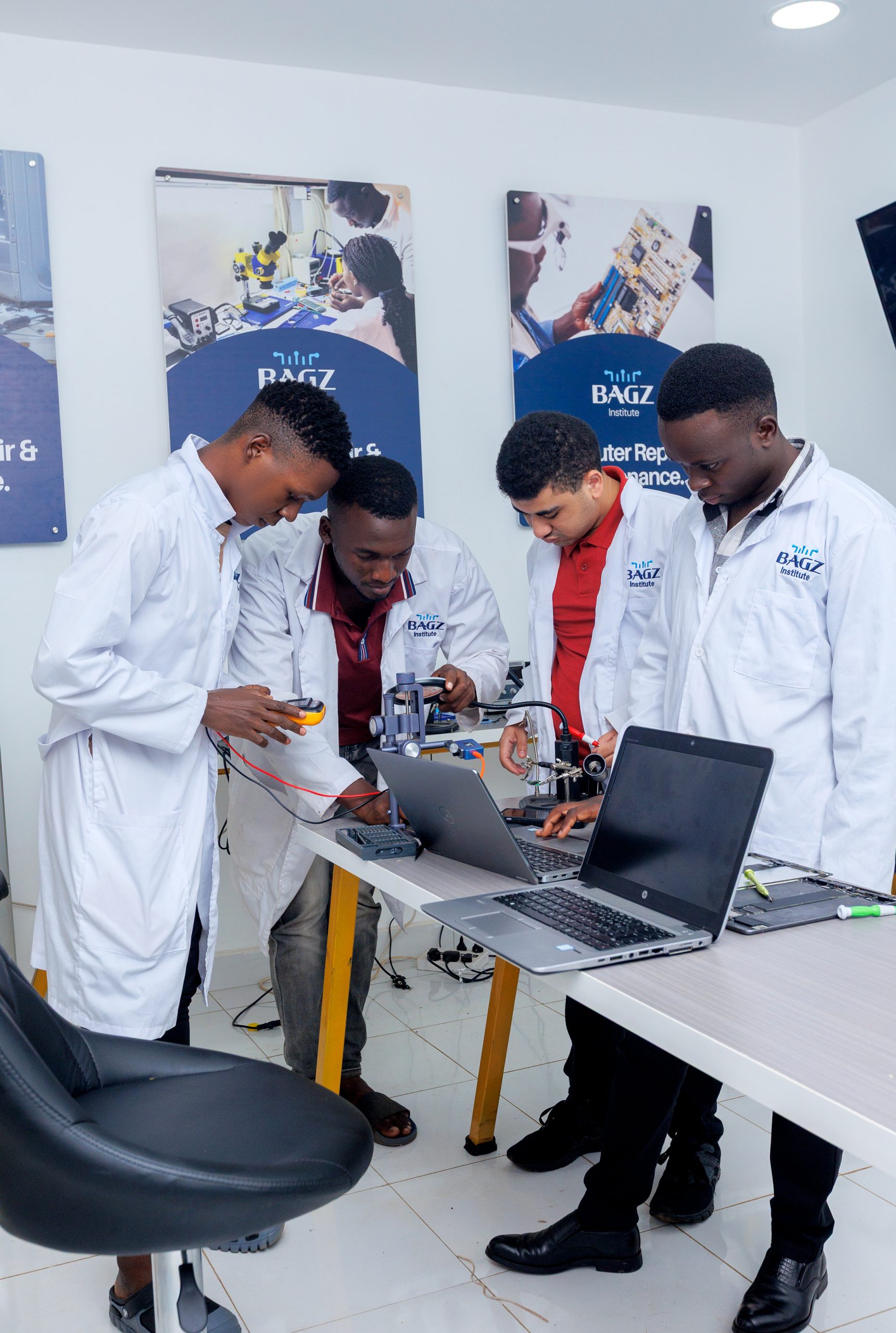
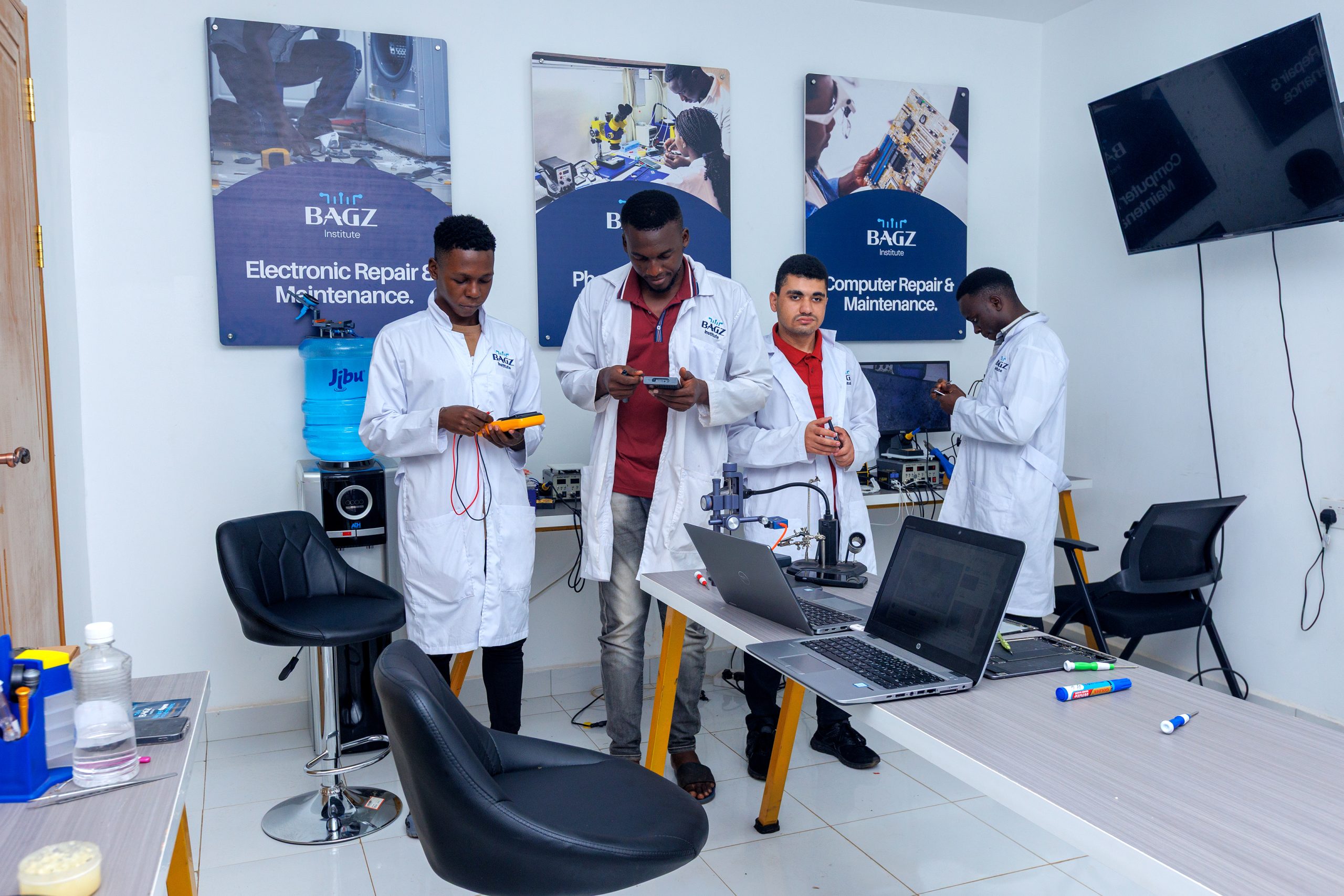
👉 At Bagz Institute, students learn these skills hands-on, preparing them for careers in IT support, computer repair shops, or self-employment.

Comments (2)
Obila Doe
Our infrastructure management approach is holistic, addressing capacity monitoring, data storage, network utilisation, asset lifecycles, software patching, wired and wireless networking and more.
James Weighell
A hosted desktop solution allows for the delivery of a consistent and scalable IT experience for all users in an organisation. With this solution, users gain access via a desktop icon or link.